How the Dictionary Plugin Can Improve Your Academic Vocabulary and Writing
Stop Guessing What Words Mean (Right Inside Your Notes)
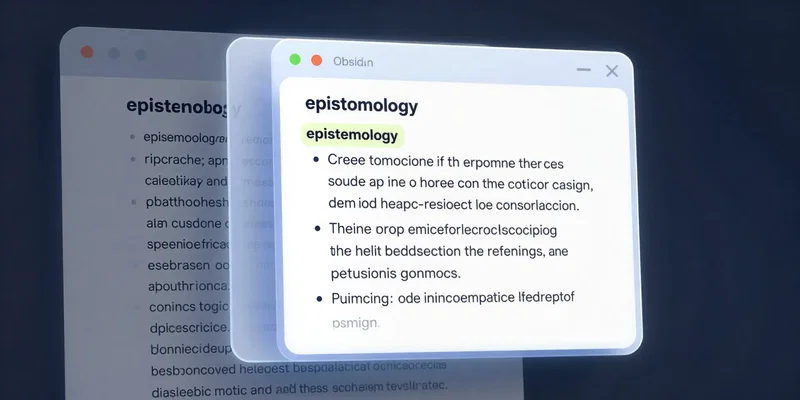
Here's the truth: we all skim past words we don't 100% know. It's a bad habit. You're reading a dense journal article in Obsidian, you hit "hermeneutics" or "teleological," and you think "Eh, I get the gist." No, you don't. You're building knowledge on a shaky foundation. A dictionary plugin kills that habit dead. You highlight the word. You hit a hotkey. Bang. The definition is right there, embedded in your note. No more tab-switching to a browser, no more losing your train of thought. It turns passive reading into active learning instantly.
Build a Killer Vocabulary List Without Trying
This is the secret sauce. Every time you look up a word, the plugin can auto-create a note for it. Or tag it. Or dump it into a "Vocab Bank" note. Suddenly, you're not just understanding a paper—you're mining it for powerful language. After a month, you have a personalized glossary of the exact terminology from your field. Need to prep for a paper? Review your Vocab Bank. It's not a generic list from some "100 SAT Words" site. It's *your* language, harvested from *your* research. That's how you sound like you belong in the conversation.
Write with Confidence, Not Thesaurus Bloat
Weak writing uses the same simple words over and over. But trying to fix it with a thesaurus is a trap. You swap "use" for "utilize" and sound like a robot. The dictionary plugin helps you do it right. You're writing and think, "Is 'dispute' the right word here?" Quick lookup. Oh, it shows "dispute," "debate," "contention." You see the subtle shades of meaning. You pick the precise one. You're not just swapping words; you're sharpening your idea. Your prose gets clearer. More authoritative. And it happens in the flow of writing, not as a disconnected editing chore.
Kill Vague Language Before It Weakens Your Argument
Academic writing is plagued by weasel words. "A very significant effect." "A somewhat important finding." Gross. When you have definitions a keystroke away, you can challenge yourself. Look up "significant." Does it *actually* mean statistically significant? Or do you mean "notable," "pronounced," "considerable"? The plugin forces you to confront vagueness. It makes you choose. And choosing the right word tightens your logic. Your arguments become harder to refute because your language leaves no room for misinterpretation.
The Best Part? It's Just There
All these benefits boil down to friction. Most tools add it. This one removes it. The second a tool makes you leave your workspace, you're less likely to use it. The dictionary plugin lives where you work. It's not an app you open. It's a layer of intelligence on top of your notes. That's the real magic. It turns curiosity into a default action. "What does that mean?" becomes a question you actually answer, dozens of times a day. And that's how you level up, without the burnout of "studying vocabulary." You just get smarter as you do your normal work.